
Kre8or is a visual creation platform that lets anyone generate high‑quality images quickly and easily. You can create any type of image you can think of, all you need is an idea and your imagination.
Many people who join Kre8or aren’t sure what to create, or what the platform is truly capable of.
In this article, I’ll share 10 things you can create with Kre8or. By the end, you’ll have practical, beginner-friendly ideas you can start using right away.
If you’d like to learn more about Kre8or and how it works you can read my full Kre8or review.
Affiliate Disclosure: This post contains affiliate links including Kre8or affiliate links meaning if you sign up for anything using the links on this page I may earn a small commission at no extra cost to you. I only recommend platforms that I genuinely believe will benefit you and suit your needs.
- What Is Kre8or Capable Of?
- What You Can Create With Kre8or
- 1. Logos & Branding Concepts
- 2. Product Images & Mockups
- 3. Portraits & Characters
- 4. Social Media Graphics
- 5. Niche‑Related Infographics
- 6. Fantasy & Sci‑Fi Artwork
- 7. Landscapes & Environments
- 8. Digital Art & Illustrations
- 9. Before‑and‑After Visuals
- 10. Creative Alter Egos & Character Transformations
- Use Your Imagination
- How To Make Your Creations Stand Out
- 1. Start With A Clear Idea
- 2. Use Detailed Prompts
- 3. Use Workshops When You Need Structure
- 4. Keep Your Designs Clean
- 5. Use Consistent Branding
- 6. Experiment With Variations
- 7. Don’t Be Afraid To Remix Your Own Images
- 8. Add Your Personal Touch
- 9. Keep Your Audience In Mind
- 10. Have Fun With It
- Embrace Your Creativity
- Conclusion
- Frequently Asked Questions
What Is Kre8or Capable Of?
Kre8or can generate almost any type of image you can imagine. It isn’t limited to templates or specific categories, and the platform is flexible enough for artistic, realistic, stylised, and professional designs.
All you need is an idea, and Kre8or gives you the tools to bring it to life.
Whether you need artwork for personal use, images for business projects, or pictures for creative expression, you can do it all with Kre8or.
Many new users don’t realise how much they can create, which is why having a few examples can make it easier to get started.
What You Can Create With Kre8or
Kre8or gives you the freedom to create almost anything you can imagine. Whether you’re building a brand, designing visuals for your business, or experimenting with creative ideas, the platform adapts to whatever you need.
Here are 10 popular kre8or image ideas you can try:
1. Logos & Branding Concepts

Kre8or can generate logos, brand marks, colour concepts, and full branding ideas.
You can design whatever visual identity your business needs and even upload your own images to enhance your designs.
As your brand grows, Kre8or can take care of all your visual branding.
2. Product Images & Mockups
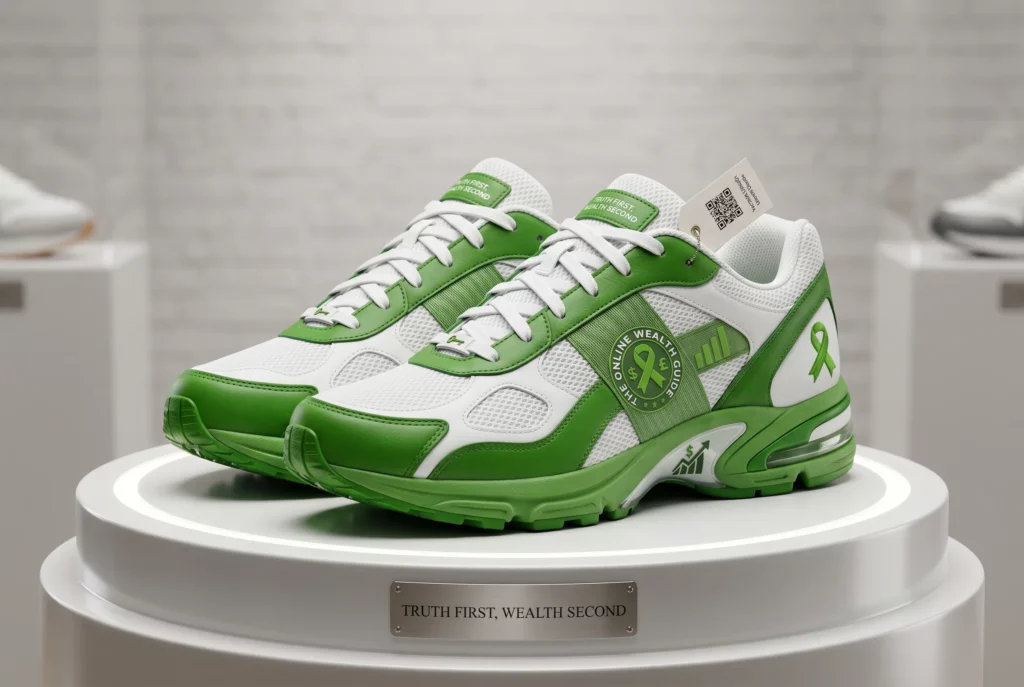
You can create product images, packaging concepts, and marketing visuals from scratch or by using a workshop for an easy starting point.
Kre8or makes it simple to design professional‑looking product images that stand out.
3. Portraits & Characters
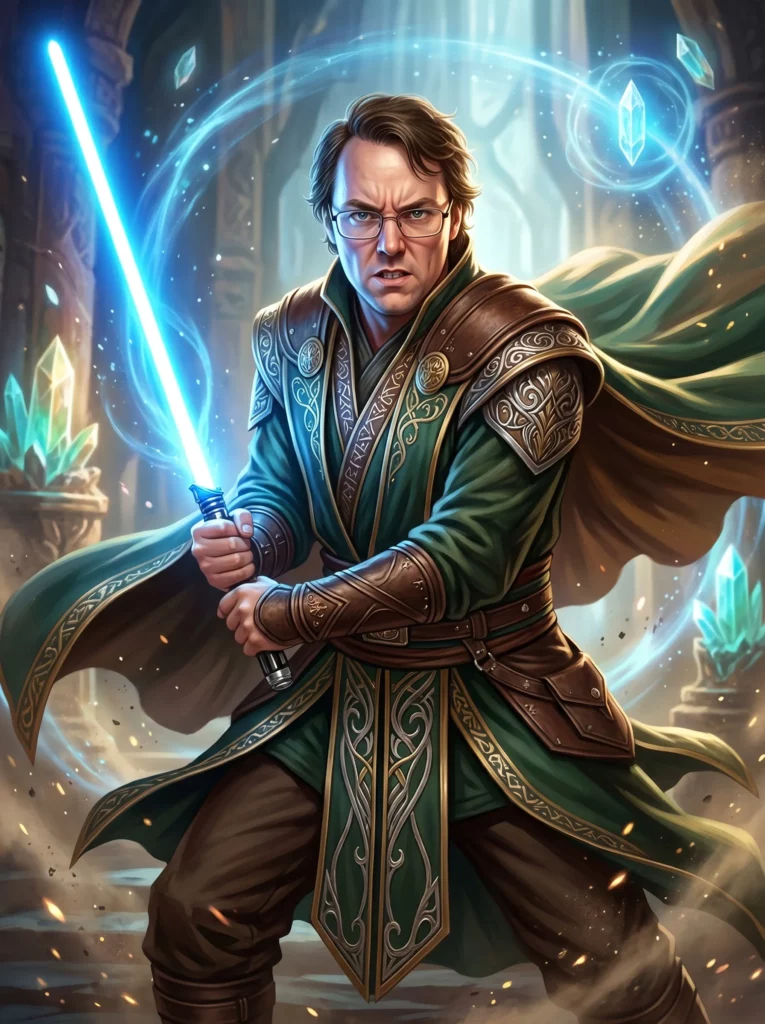
Kre8or lets you generate portraits and characters for anything you can imagine.
You can turn yourself into a vampire, create a trading card, or design a fictional character.
It’s fun, creative, and can also be useful for your business if it fits your niche.
4. Social Media Graphics
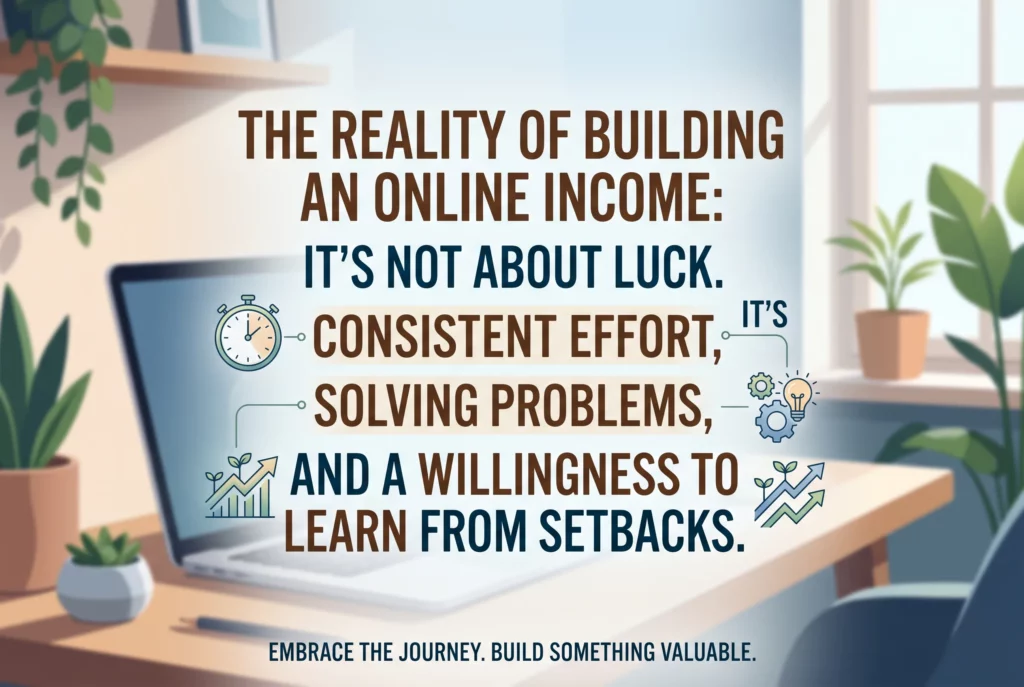
Social media graphics are another area where Kre8or shines.
You can create infographics, product visuals, announcements, and anything else you need for your social platforms.
Once you know the information you want to include, Kre8or helps you turn it into eye‑catching graphics.
5. Niche‑Related Infographics
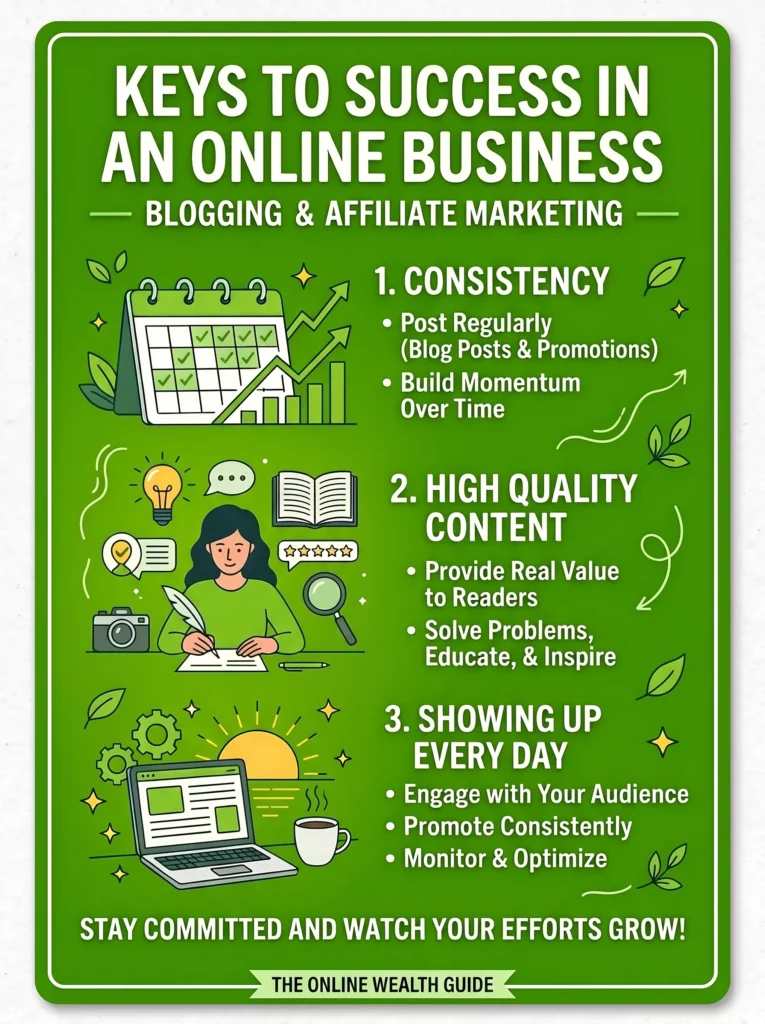
Infographics are one of the most powerful things you can create with Kre8or.
Any information you want to share about your niche can be turned into a high‑quality, professional‑grade infographic.
They’re perfect for grabbing attention and delivering value quickly.
6. Fantasy & Sci‑Fi Artwork
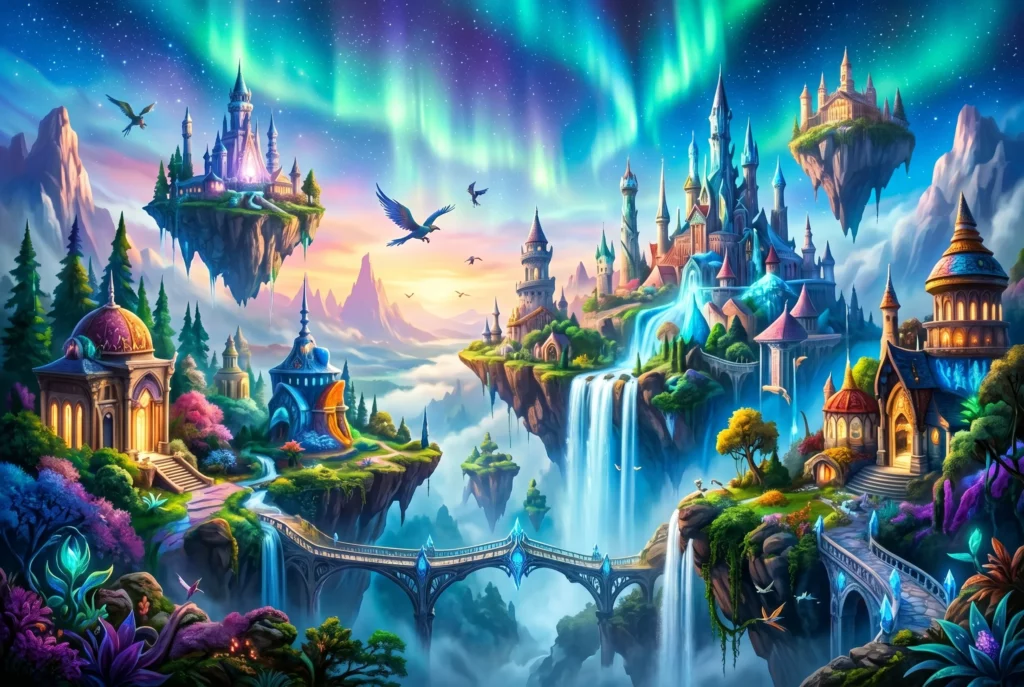
If you want to have some fun, Kre8or can generate fantasy and sci‑fi artwork. You can create characters, landscapes, creatures, and imaginative scenes.
This can be useful for certain niches, but it’s also great for pure creativity.
7. Landscapes & Environments

You can design any landscape or environment you can think of including futuristic cities, retro worlds, natural scenery, and more.
If you want to visualise how something would look in a specific setting, Kre8or can generate a sample for you.
8. Digital Art & Illustrations
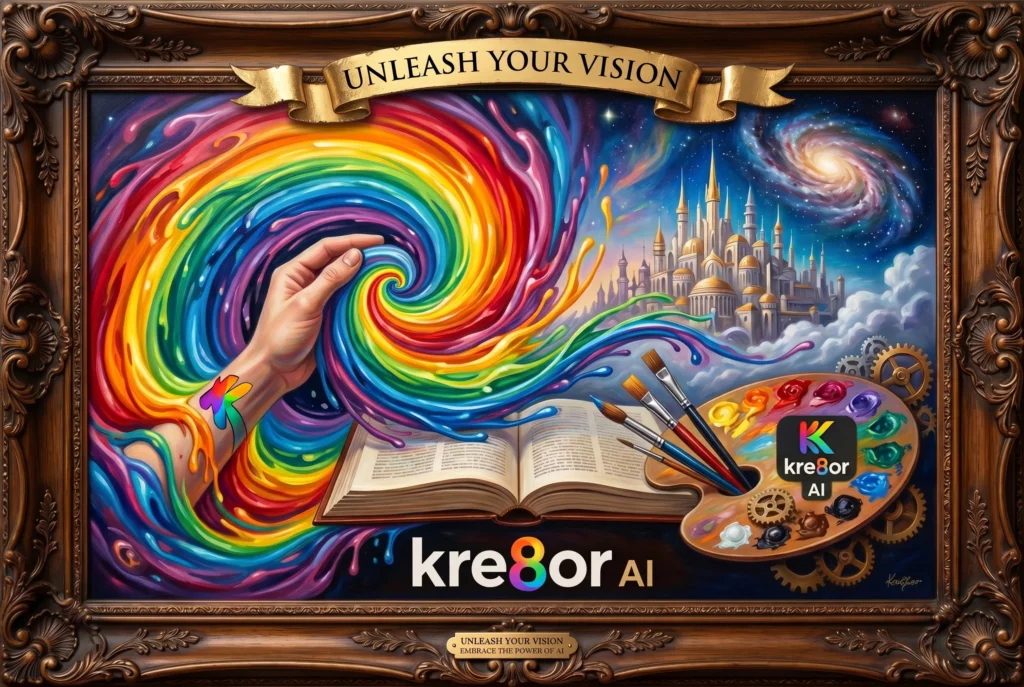
Digital art is where Kre8or truly shines. You can design any type of artwork or illustration, from simple concepts to highly creative designs.
If you want to sell digital art online, Kre8or gives you endless possibilities to create unique pieces.
9. Before‑and‑After Visuals
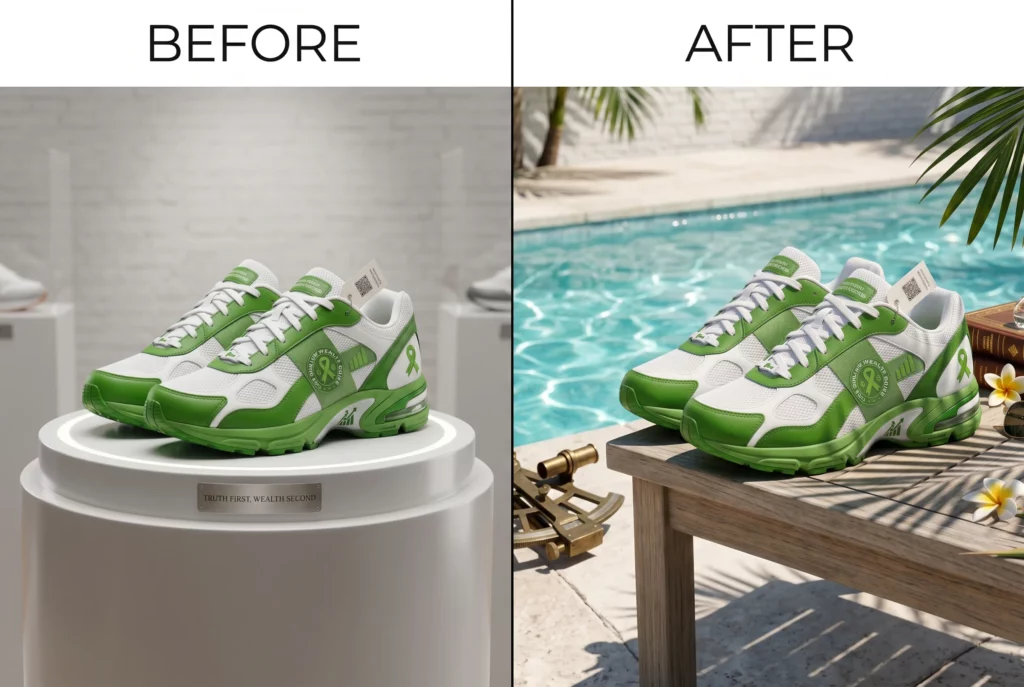
Kre8or can generate before‑and‑after visuals for almost anything.
There are dedicated workshops for seasonal product transformations, room makeovers, skin refresh concepts, and more.
You have all the tools you need to create powerful comparison visuals.
10. Creative Alter Egos & Character Transformations

Kre8or can generate alter egos and character transformations with ease.
You can turn yourself or someone else into a movie character, a fantasy hero, a comic book figure, or anything you can imagine.
These are fun to experiment with and can produce mind‑blowing results.
Use Your Imagination
Kre8or is all about getting creative, using your imagination, and bringing ideas to life.
These examples are just a starting point. Kre8or isn’t limited to templates or predefined categories, so if you can describe an idea, you can bring it to life.
Use your imagination and experiment with different styles, concepts, and prompts to see what’s possible.
How To Make Your Creations Stand Out
When you’re creating images, it’s normal to feel stuck or unsure how to make your designs really stand out.
But there are simple ways to improve your work and get it closer to what you want.
Here are some easy tips to help your creations shine:
1. Start With A Clear Idea
Always begin with a clear idea of what you want to create. This helps you avoid weak results and wasted credits.
Kre8or works best when you know:
- What you want to create
- The mood or style you need
- The purpose of the image
- The audience it’s for
Start with a solid idea and you’ll get much better results.
2. Use Detailed Prompts
Your prompts directly affect the outcome of your image. Detailed prompts lead to higher‑quality results.
Include things like:
- Colours
- Lighting
- Style (minimalist, bold, retro, modern)
- Mood (calm, energetic, dramatic)
- Subject details
The more specific you are, the better your images will turn out.
3. Use Workshops When You Need Structure
Workshops are perfect for when you need structure or a clear starting point.
They give you:
- A starting point
- A consistent layout
- A guided workflow
- Reliable results
Workshops help you avoid feeling overwhelmed or staring at a blank canvas with no idea where to begin.
4. Keep Your Designs Clean
Your designs don’t need lots of elements or long text to be effective. Simple, attractive images work best.
Try to:
- Avoid clutter
- Keep text minimal
- Use simple layouts
- Let the main subject stand out
Clean designs are easier to understand and look more professional.
5. Use Consistent Branding
If you’re creating visuals for your business, consistency is key. Develop your brand colours, fonts, and style, and use them in all your visuals.
Always:
- Use the same colours
- Use the same fonts
- Use the same style
- Keep your brand identity consistent
Consistency helps your visuals perform better and become recognizable as your business grows.
6. Experiment With Variations
Experimenting with variations is a great way to learn and discover new ideas.
Don’t be afraid to:
- Try different styles
- Generate multiple versions
- Compare results
- Refine your ideas
This helps you learn Kre8or more easily and create interesting designs along the way.
7. Don’t Be Afraid To Remix Your Own Images
You can edit or remake any image you create, whether it was made on Kre8or or somewhere else.
With Kre8or you can:
- Upload your own images
- Enhance images
- Transform images
- Build on previous creations
Kre8or isn’t generate once and you’re done. Keep experimenting and push your creativity further.
8. Add Your Personal Touch
Every image you make should reflect you in some way. Make sure your creations feel authentic.
You can do this by:
- Adding your own text
- Adding your own logo
- Adjusting colours
- Cropping or refining the final image
Own your creations and make them feel like yours.
9. Keep Your Audience In Mind
When creating visuals for your business, always think about your audience and the purpose of the image.
Consider:
- The platform (Instagram vs. Pinterest vs. blog)
- Your niche
- The purpose
- Your message
Match your visuals to your platform and audience to create more effective designs.
10. Have Fun With It
Creating images should be fun, not stressful. If you feel overwhelmed, take a break and come back later.
Kre8or is meant to be:
- Fun
- Creative
- Enjoyable
- Flexible
Relax, let your creativity flow, and enjoy the process.
Embrace Your Creativity
With Kre8or, you have the power to create anything you can imagine. Don’t be afraid to get creative. Use whatever ideas you have and bring them to life.
Keep experimenting with every image you create and express yourself as much as you want.
Conclusion
In conclusion, Kre8or can generate almost any type of image you can imagine. It isn’t limited to templates or specific categories, and the platform is flexible enough for artistic, realistic, stylised, and professional designs.
You can create logos, branding concepts, product visuals, niche‑related infographics, digital art, and much more.
Have fun with your images, take your time, add your personal touch, and embrace your creativity.
All you need is an idea, and Kre8or gives you the tools to bring it to life.
Thank you for reading. Have you made any designs with Kre8or? If so, what did you create? Let me know in the comments below.
If you’d like to try Kre8or for yourself, you can sign up for free here.